We hope you have already read our tutorial on How to Set Up a cPanel Email Account in Android, and you have already added a built-in email widget to your Android screen.
1. Press on Inbox.
[Image unavailable in the original source]
2. Pull down from the top of the screen until the little refresh wheel start spinning. It will start syncing emails.
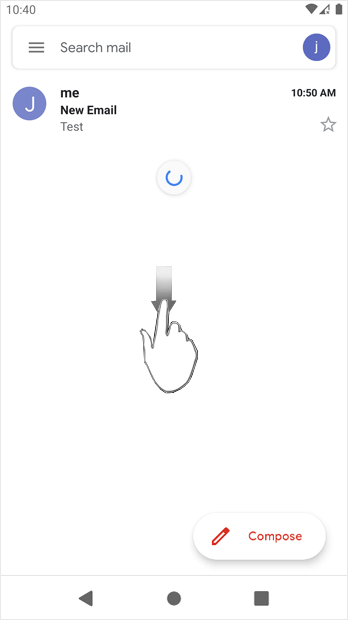
In the above screenshot, after syncing, we have received a new email.
How to Fetch – Sync Emails in Android
The original published text is retained in its source language. This is not a newly approved policy or a legal translation.